What is Divit Tally Automator?
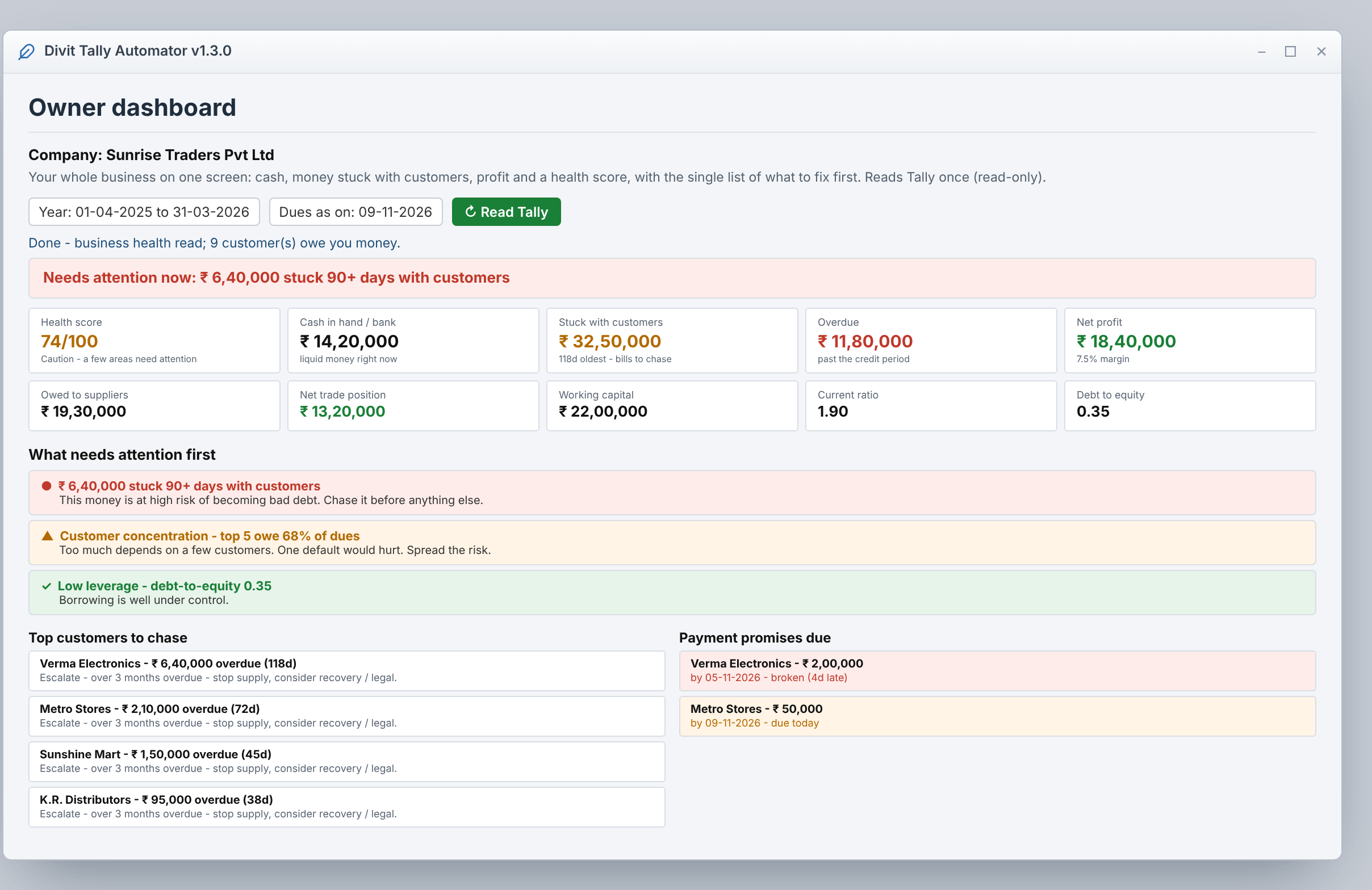
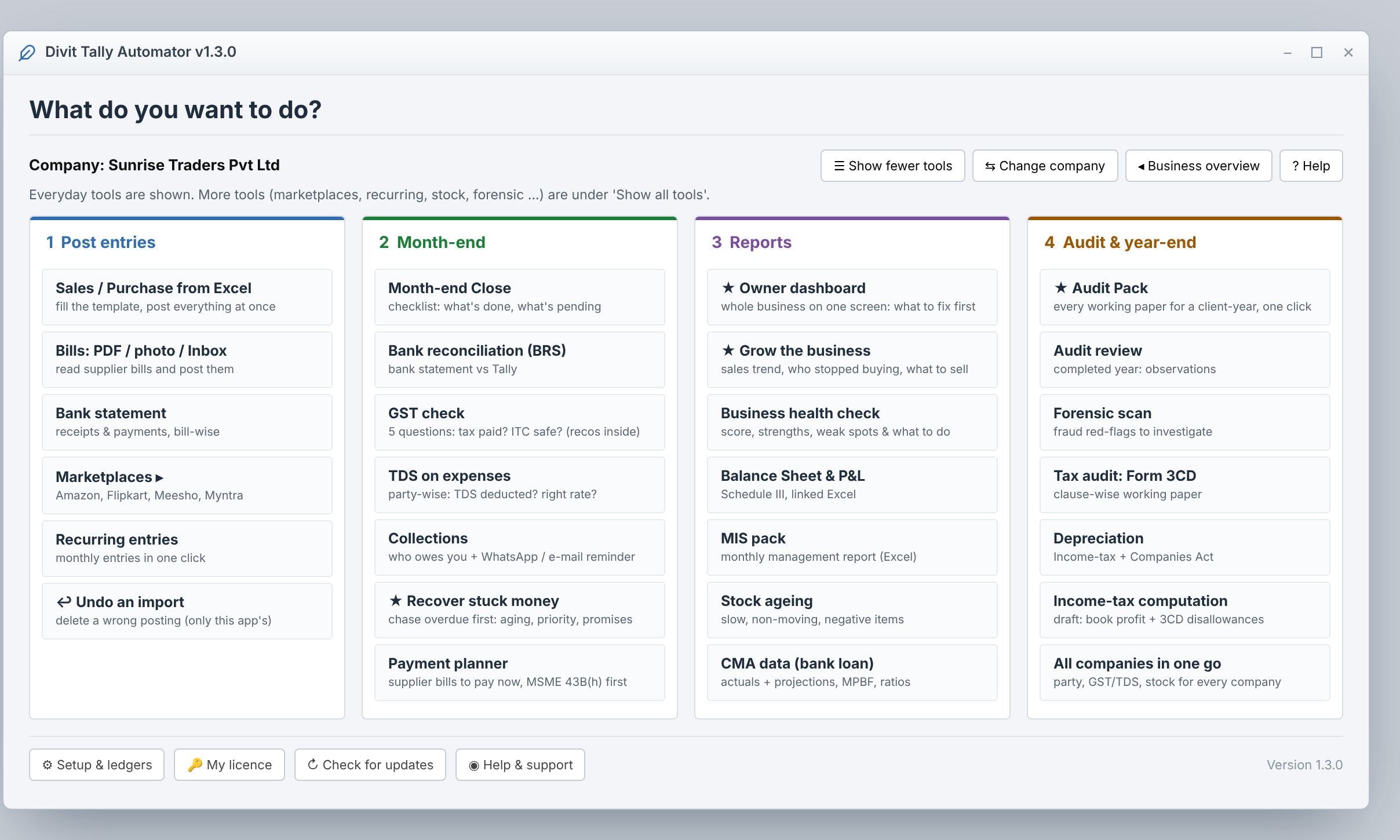
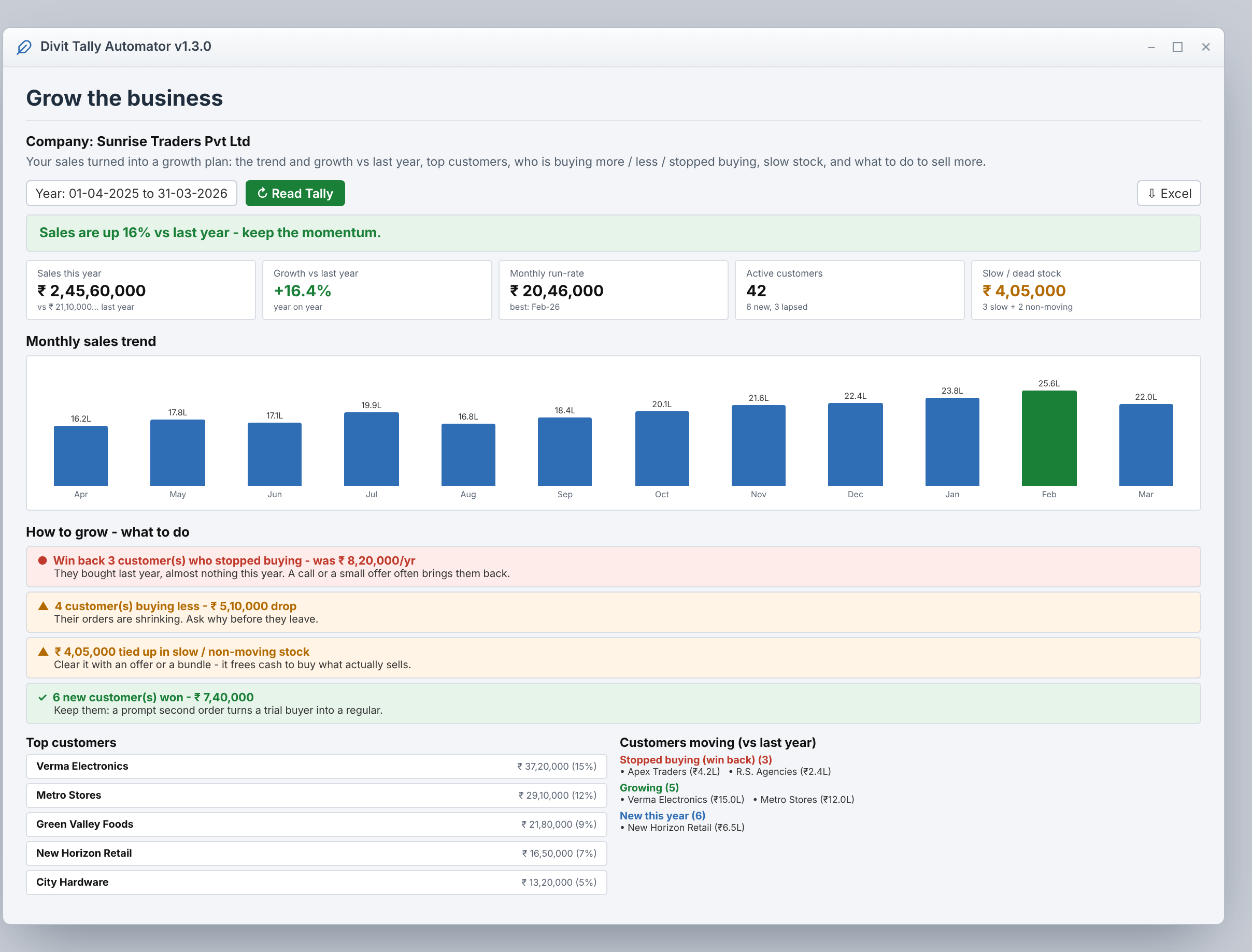
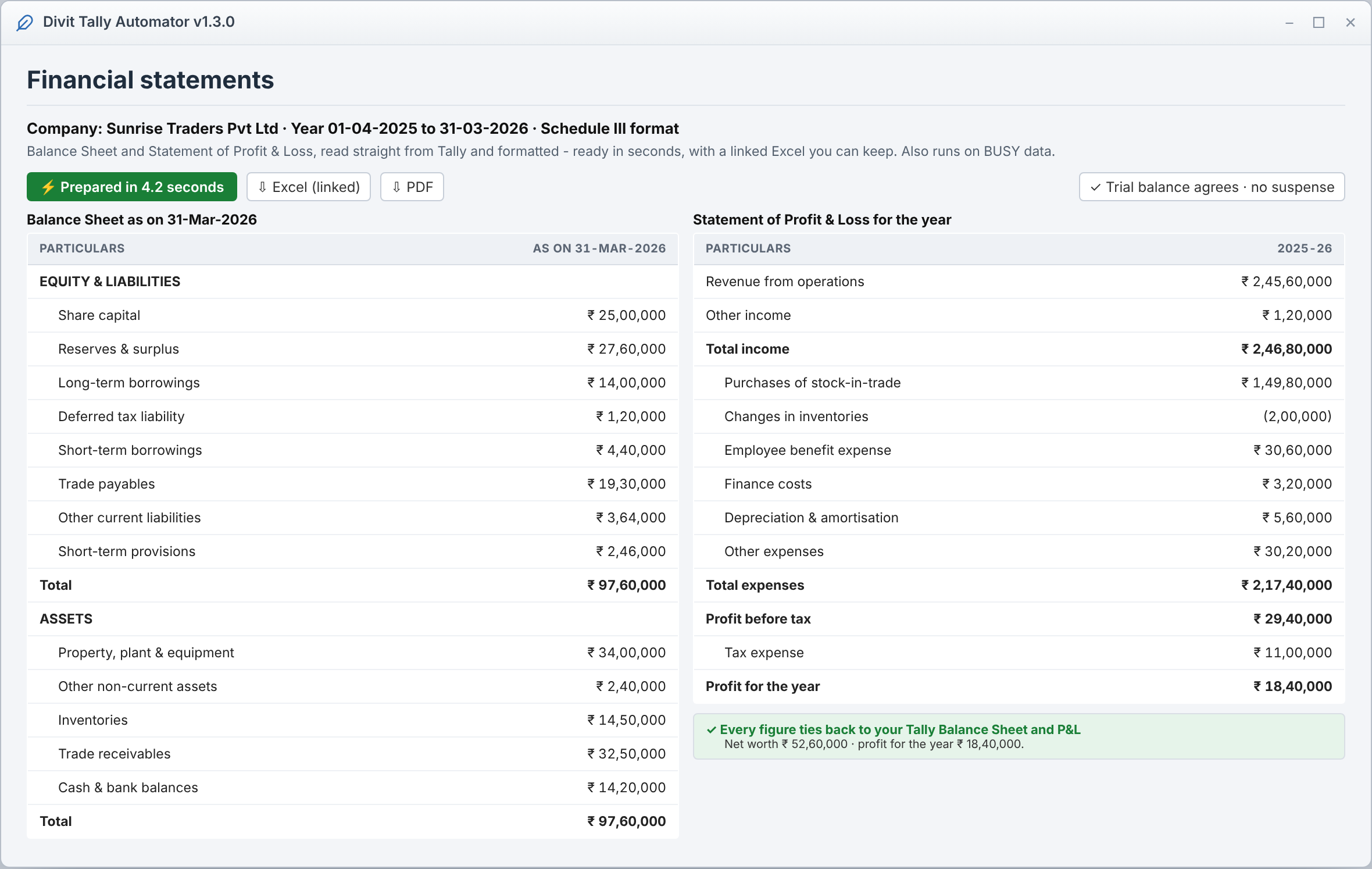
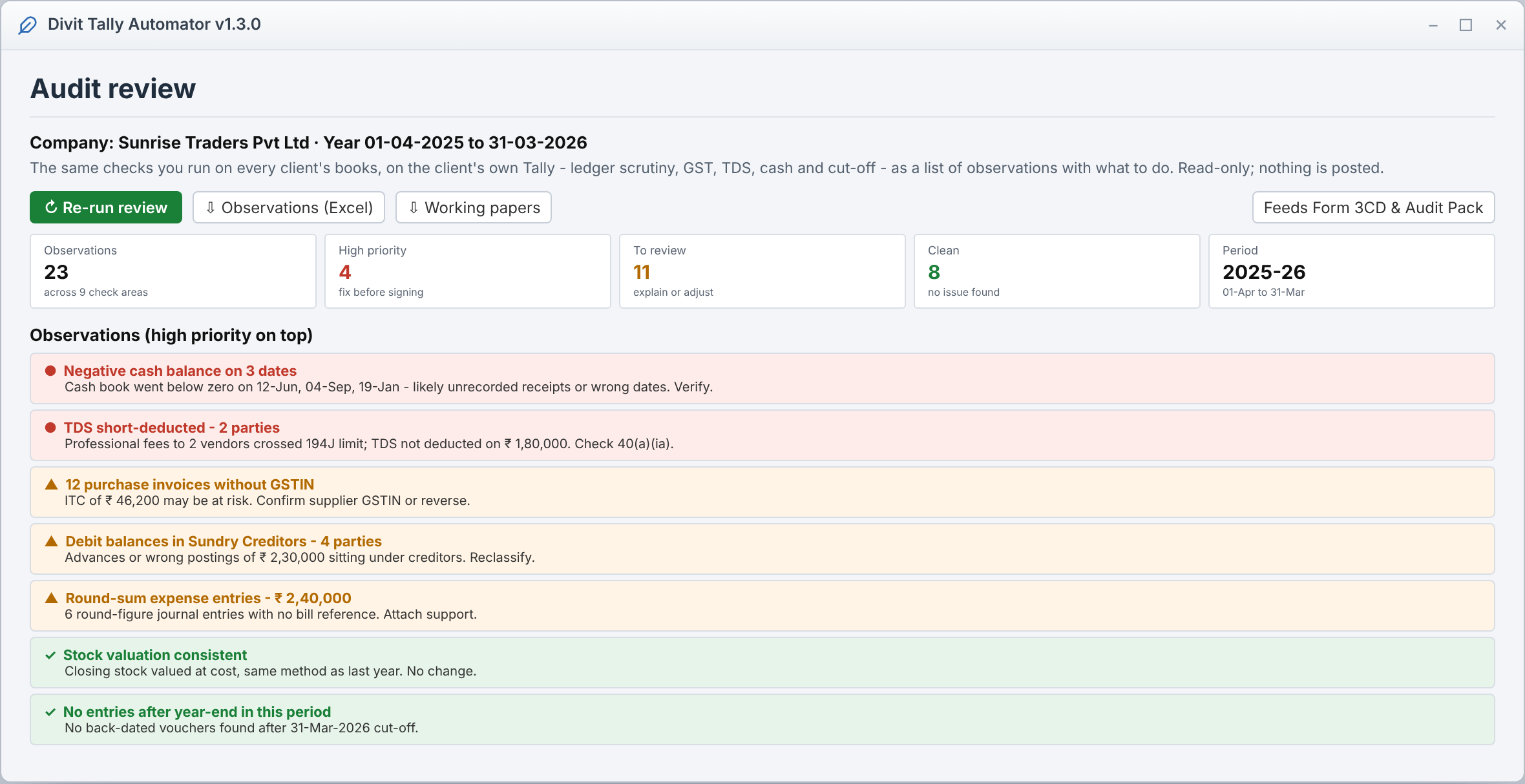
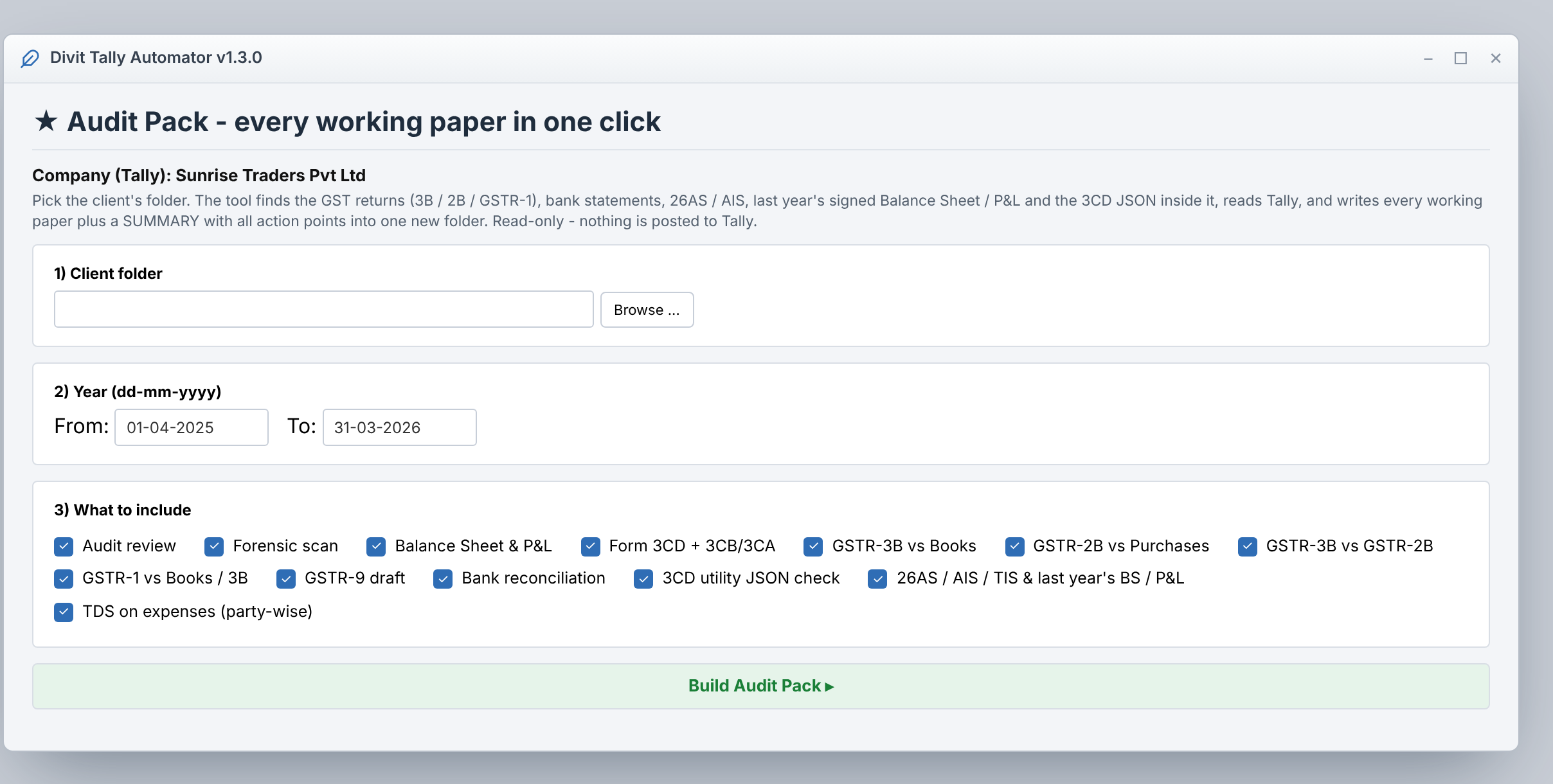
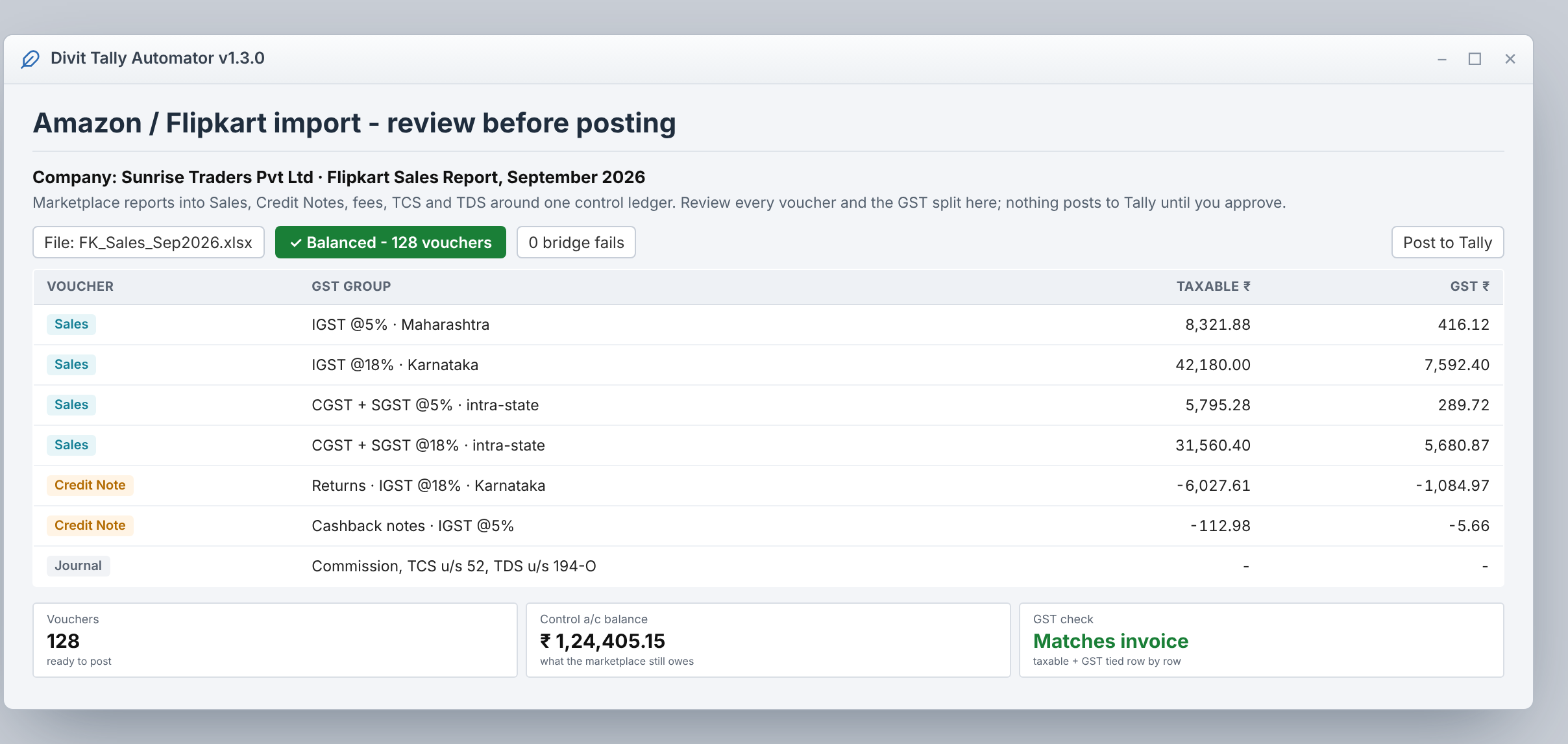
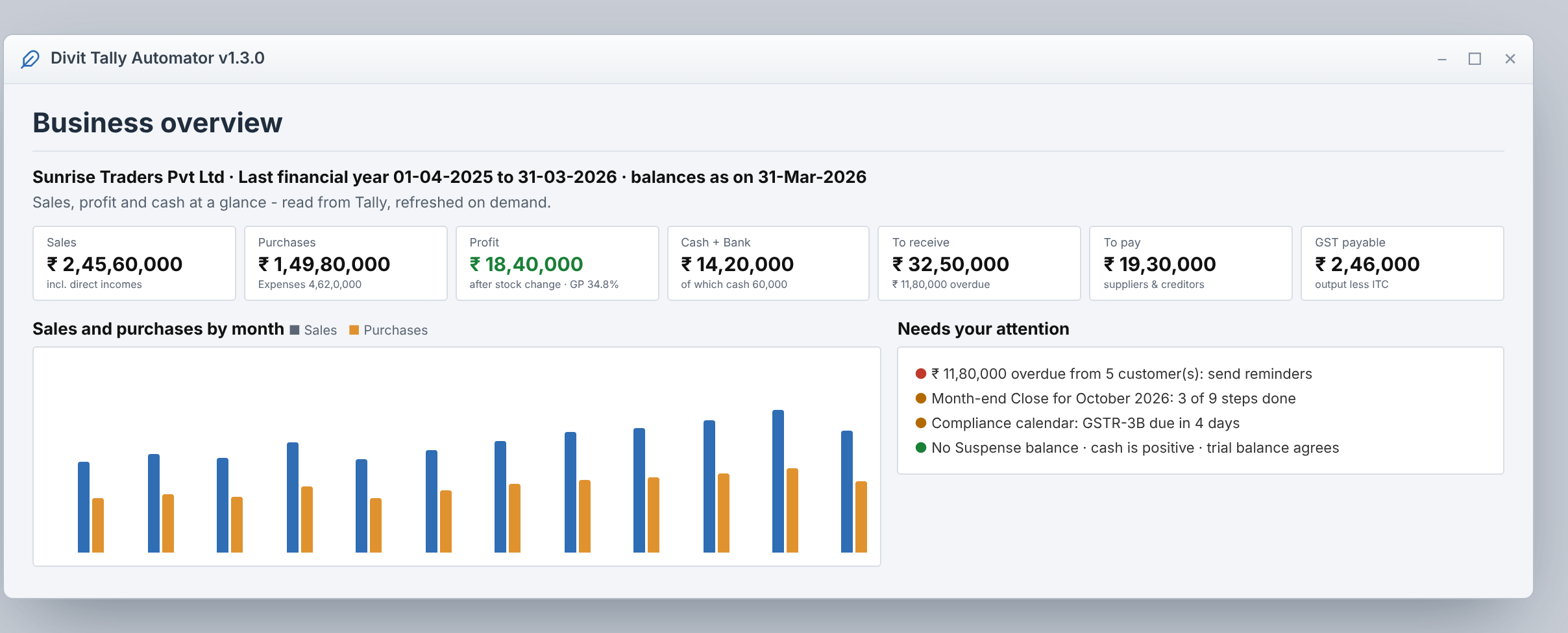
It is offline Windows software for TallyPrime and BUSY users. It acts as a Virtual CFO that reads your books, prepares financial statements and an audit review in seconds, handles GST and TDS, and automates marketplace, bank and purchase data entry. The advisor screens are read-only and every figure reconciles with your own Tally Balance Sheet and P&L - and your books never leave your computer.
How much does it cost?
There is a 15-day free trial with every feature - no licence key, no card. After the trial the app asks for a licence key; prices are announced after launch and trial users hear first.
Does the Virtual CFO change my books?
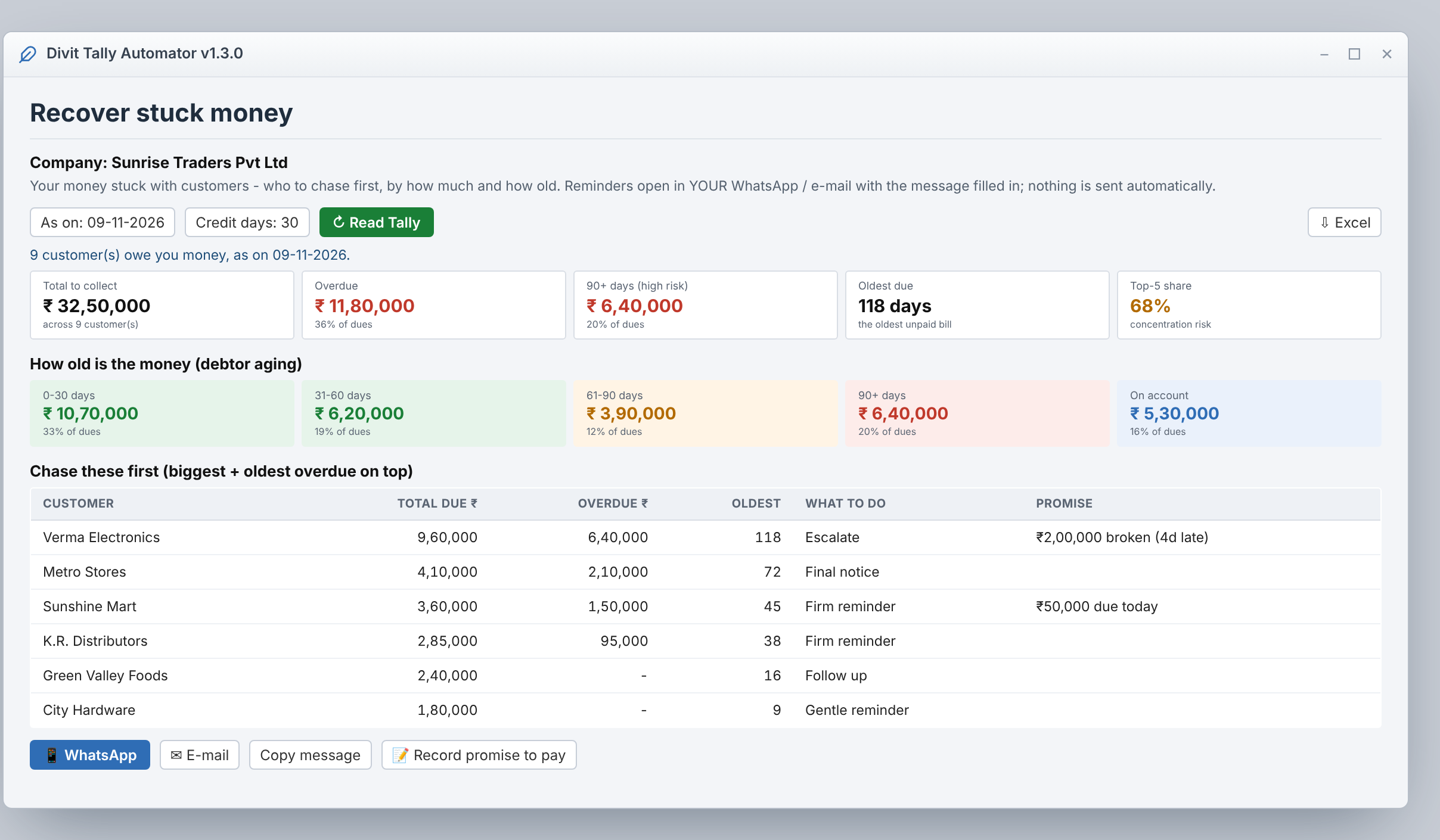
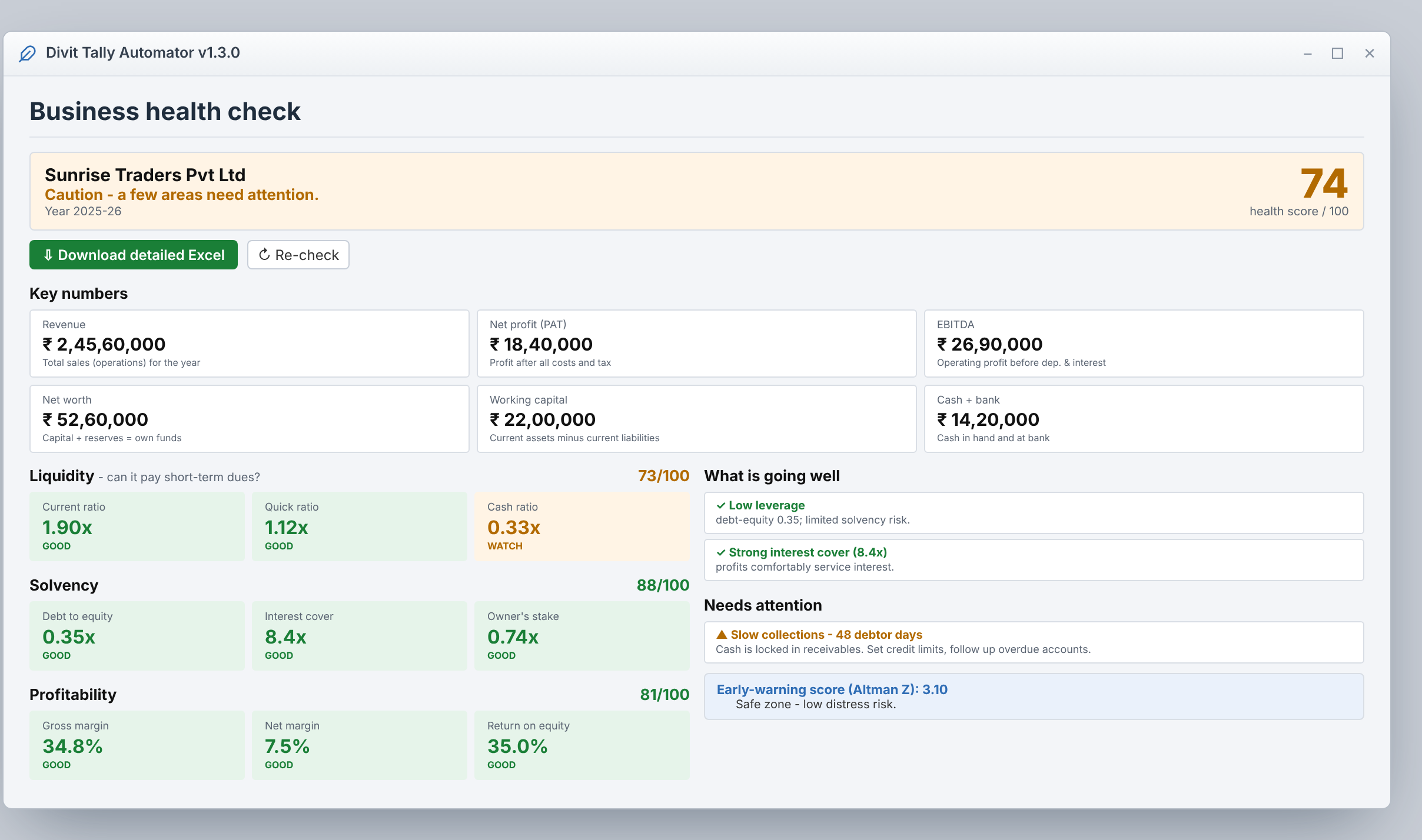
No. The Owner dashboard, Recover stuck money, Business health and Grow-the-business screens only read your Tally - they never post or change anything. Their figures reconcile with your Tally's own Balance Sheet and P&L. Only the import tools write to Tally, and only after you confirm.
Is my data sent anywhere?
Your books are not. The app reads Tally on your computer and the files you pick, and writes its workbooks to your computer. Two things go online: the licence check, which carries the computer's ID and name and nothing from the books, and the optional AI bill reader, which sends only the purchase bills you ask it to read.
How do the numbers compare with Tally?
They reconcile figure for figure. Revenue, net profit, cash, receivables, net worth and the ratios are read from your own ledgers and tie back to your Tally Balance Sheet and P&L - including stock-adjusted cost of goods and a net worth that includes the year's profit.
Will it create ledgers or post without asking?
No. You choose which Tally ledger each head posts into. A new ledger is created only when you tick the box that lists it, and vouchers post only after you confirm on the last screen. If something goes in wrongly, Undo removes that one import.
Does it work with Tally ERP 9 or the Educational version?
It is built and tested on TallyPrime. The Educational version accepts vouchers only on a few dates of each month, so use it for practice and a licensed TallyPrime for real books.
Can it read BUSY?
Yes, for reading - audit, GST reconciliation and financial statements run on BUSY data from BUSY's XML export. Posting is TallyPrime only for now.
Is there help in Hindi?
Yes. Help and demo screens switch to Hindi with one button, there is a Hindi user guide, and you can message us on WhatsApp in Hindi or English.
What happens after 15 days?
The app asks for a licence key. Your settings and mappings stay, so you continue where you left off once the key is entered.
 Divit